
Your colleagues don’t need your processes to be world class – all they ask is processes that don’t suck. Avoid these design blunders, and you’ll be a hero.
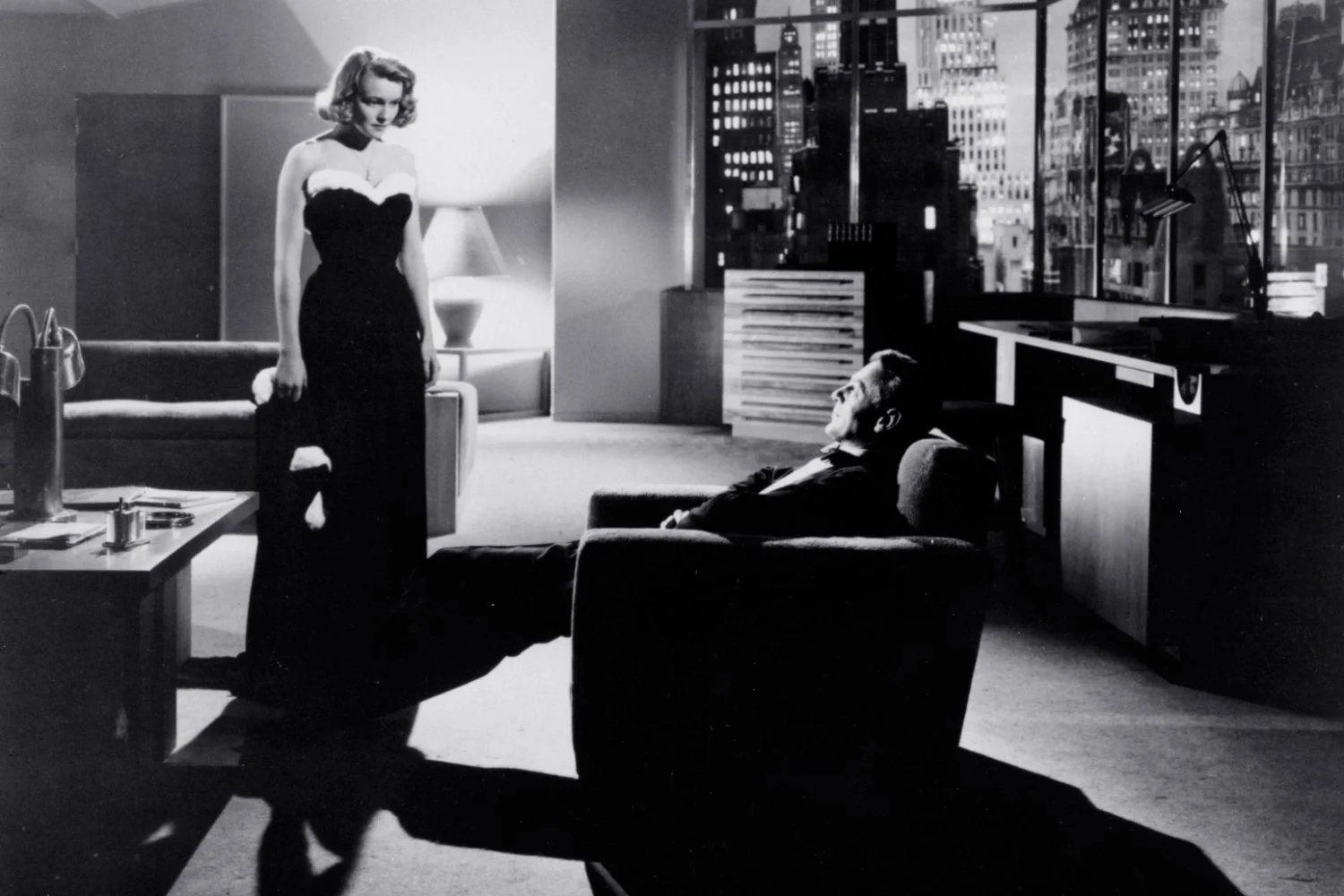
Howard Roark, the protagonist in Ayn Rand’s 1943 novel The Fountainhead, is a designer pursuing perfection. He is an architect unwilling to make compromises, surrounded by people who want him to conform and comply. Striving for excellence, creating something that is the best it could possibly be, is an aspiration many of us hold for at least one endeavor in our lives. It’s an admirable attitude, but not exactly the optimal strategy in one specific area: the business processes we build, and inflict on your colleagues. They don’t need our constructions to be Roarkian, all they want is we don’t build them ruins.
Working in a business is a messy and imperfect undertaking and people have the wrong idea of what it takes to be effective and successful. It sparks the imagination and I’m sure it sells many books, but advice to emulate Steve Jobs is like giving everyday tennis players tips to play tennis like Roger Federer – somewhat useful for the top 0.1%, but not very practical for the rest of us. The late vice chairman of Berkshire Hathaway, Charlie Munger, had a much more realistic strategy. He attributed most of their success to merely trying to avoid blunders. Nassim Nicholas Taleb described the same idea as “via negativa”, arguing that actions which remove harmful or unnecessary elements are more reliable and less prone to unforeseen complications than those which add new things.
There’s a proven tool to avoid doing stupid shit: the checklist. Describing the concept and power of the checklist is an essay for another day, but in the context of designing business processes, here’s a checklist to ensure yours don’t suck.

”
It is remarkable how much long-term advantage people like us have gotten by trying to be consistently not stupid, instead of trying to be very intelligent.
”
―
A super basic checklist has only three questions. If you ask yourself nothing else, ask these.
01> Have we designed only for the ‘happy flow’, or does our design allow for errors in execution? [Resilience]
02> Does our design consider where and how any user can retrieve the information they may need? [Discoverability]
03> Have we consciously designed the feedback loops into our process? [Feedback]
Resilient processes [01] keep operating reasonably effectively if things go bad. You can build things such that they perform brilliantly when everything goes as planned, but completely fall of a cliff when conditions are suboptimal. Resilient systems are different. A good process is like a cockroach: it may not be much to look at, but there’s almost nothing it doesn’t survive. Don’t design to take processes from 10 second execution to 8 seconds under perfect conditions, but with some probability they never finish at all. Design for processes that can go from 10 seconds to no more than 30 under the worst possible conditions – and never fail to complete no matter what. Think about the airplanes you ride. Would you want them designed for slightly smoother landings under a perfect sky, or guaranteed landings in the foulest possible weather?
The same kind of “hope for the best, plan for the worst” thinking applies to the information and knowledge required by a user to follow your process. If the perfectly informed and trained user shows up – great, we can always deal with perfection. But imagine a newcomer showing up with hardly any training at all. How can you ensure it is easy for them to discover what needs to be done, and the process itself provides them with all the knowledge or choices they need to navigate? This is the concept of discoverability [02]. The best processes explain themselves, and require no upfront training by the user. And if the user needs to provide some form of input or decision, the process guides them to tools they can use or places they can find it.
Finally a user needs to know what’s going on: your process needs to provide feedback [03]. If you are silent, is that because you are thinking and processing, or because you’re stuck? A user can wait, if you show give them signals of progress and estimates of how much longer they will need to wait. Likewise if something is going wrong, that should be clear to a user – ideally with an indication of the reason why it’s wrong and what to do about it. See also the previous point: other than progress indicators, condition indicators provide status information, and indicators of resources users can turn to to correct input.
Working the high level checklist out in 11 more detailed questions, here’s the ones related to Resilience:
04> Can a user easily correct, redo or undo errors with a minimum of lost work or information?
05> What constraints, forcing functions or other guardrails have we built into our process, to help users steer clear of errors?
06> Are these constraints balanced and reasonable, such that the process can still handle exceptional cases?
07> Do we store progress, making our process robust against interruption?
These checks revolve around the reasons a process can’t handle imperfection very well. Errors don’t derail a process if they are easy to correct – [04]. In terms of user experience, the same is true: users don’t mind making mistakes (and they inevitably will), but they do mind being punished for them – including with rework or information loss. A well designed process will build in guardrails to steer users away from errors, without being so rigid it forces people to act like infallible machines – [05] and [06]. Finally the process needs to accommodate for distraction and interruption, which are rarely considered when designing the “happy flow” on paper, but are very real and frequently occurring events in the real world of our users – [07].

“05> What constraints, forcing functions or other guardrails have we built into our process, to help users steer clear of errors?”
Here’s the power questions related to Discoverability.
08> What necessary knowledge do I put in the world? Consequently, what knowledge do I require in the head of the users?
09> Do we provide easy to understand signifiers, informing users on what to do next and what outcome to expect?
10> Is the mapping between controllers and what they control logical and intuitive to understand?
11> Do we design for easy context-specific retrieval of necessary information?
12> Do we design for storage of user experience and learnings?
13> Do we enable users to learn or problem-solve as a community?
Discoverability refers to the ability of the user to figure out what actions are possible, and where and how to perform them. Badly designed processes put the burden of knowing all this on the user: the designer places the required knowledge in the head of the user. Good design on the other hand puts that knowledge “in the world”, meaning close the process or product itself [08]. Bad design assumes providing user training is enough and will be effective. Good design incorporates indicators, labels and nudges (collectively called signifiers) to guide the user or provide them small doses of relevant just-in-time training [09]. If the process involves software or interfaces involving controls the user needs to manipulate, good design ensures there is an intuitive relationship between the controllers and the thing they control (mapping – [10]). Since we will rarely be able to place all the required knowledge in the world, it is good practice to create short and direct links between the place information is needed and where it can be found [11], provide functionality that helps a user store what they learn such they can reuse it later [12], or create a forum for them where the can tap into a supporting community of other users or experts [13].
“09> Do we provide easy to understand signifiers, informing users on what to do next and what outcome to expect?”
This is what to worry about concerning Feedback:
14> Do we provide users with an estimate of completion time?
15> Do we provide users with progress and status change indicators?
16> Do we provide users with information on the cause of errors, and guidance on how to correct them?
No matter how smooth a process is, users will still have a negative experience if they are in the dark about how long it will take [14]. They also need reassurance things are going well and on track. Silence can mean everything is going well, but it can also mean things aren’t progressing any more. You don’t want them to only find out at the end [15]. Finally the only thing more frustrating for users than to see things go wrong is to have no idea why or how to correct errors [16].
Each of these can be refined indefinitely, but anything that doesn’t violate these principles will easily be in the top 5% of well designed business processes. For fun, take this list to the nearest process you hate and see if you can spot the cause(s) of your dissatisfaction. If you want a PDF version of this checklist to take with you – or give to the person designing the business processes you have to follow – you can download one here.
”
Now we come to Howard himself, Gary Cooper. Ayn Rand was one of Cooper’s biggest fans from the time she emigrated from Russia and worked in Hollywood as an extra. She was of course thrilled beyond belief when he agreed to play Howard. There is a photograph of the short Rand gazing up at the chiseled, handsome Cooper, and she’s practically drooling. After Rand worked – I can’t remember if it was months or years – on Howard’s big speech in the courtroom, Cooper told her after he finished filming it that he never understood the speech. I’m fairly certain he didn’t understand the rest of the role either and that he had never read the book. A more glorious-looking, charismatic man to play Howard you couldn’t have found, but did he understand this role the way he understood Lou Gehrig? I doubt it. Did Rand, for all her artistic integrity care? I doubt it. In the end, that great philosopher, that giant intellectual Ayn Rand was, in reality, a woman like any other.
”
―
Less wrong business process
Credits
Words
> Stefan Verstraeten
Ideas
> Wesco annual letters, written by Charlie Munger, retrieved via the appropriately named (but otherwise empty) rememberingtheobvious
> Nassim Nicholas Taleb writes extensively about “Via Negativa” in Antifragile: Things that gain from disorder (2012). “I would add that, in my own experience, a considerable jump in my personal health has been achieved by removing offensive irritants: the morning newspapers (…), the boss, the daily commute, air-conditioning (though not heating), television, emails from documentary filmmakers, economic forecasts, news about the stock market, gym “strength training” machines, and many more.”
> Don Norman, The Design of Everyday Things. A book you need to be patient with, but worth the patience. It’s too light on structure to be a useful guide on designing, but it has most of the good ideas and ineresting examples.
> Pair with Universal Principles of Design, by William Lidwell, Kritina Holden, and Jill Butler. While Norman is all flow-of-consciousness style narrative with little structure, Lidwell et al. is nothing more than a collection of design patters without connecting text.
Photo
> Stills from The Fountainhead, produced by Warner Bros (1949)
> Charlie Munger, retrieved via Farnam Street
Video
> The Fountainhead – Theatrical trailer. Warner Bros (1949).

